






Training Store
Software Is Only As Powerful As the Person Using It
ONYX RIP software is built with powerful tools for color management, layout, automation, and production efficiency, but those tools only deliver results when operators know how to use them. Onyx Training courses are designed to close that gap, turning capable software into measurable shop performance. Whether you’re onboarding a new hire, expanding into a new application like DTF or dye-sublimation, or simply looking to get more out of features you’ve had for years, Onyx Training gives you structured, expert-led learning that pays off immediately on the production floor.
Course Options to Fit Your Learning Style
Self-paced online coursesLearn on your schedule, revisit modules as needed, and train your entire team without coordinating a fixed session time |
Instructor-led trainingLive, guided training with an Onyx-certified instructor for hands-on learning and real-time Q&A |
Onyx Learning ZoneStructured learning paths covering specific products and workflows, available through the dedicated training portal |
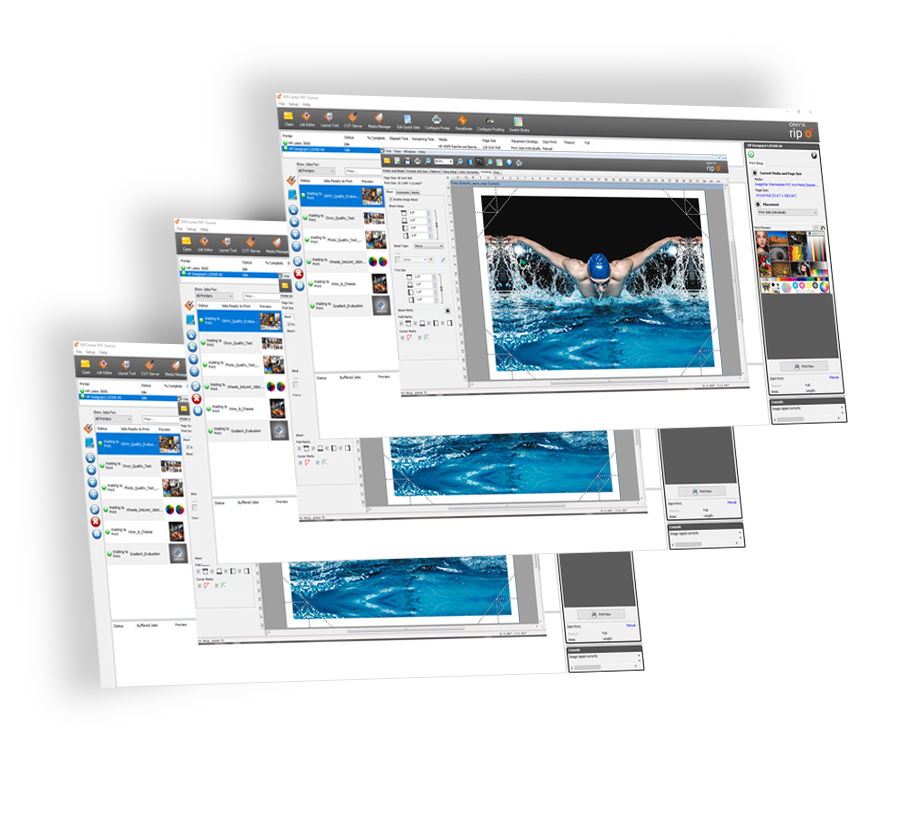
ONYX Operator (Live Online Class)
LIVE ONLINE CLASS
Learn the fundamentals of ONYX from the ONYX experts and certify as an ONYX Operator. This session will give you the base knowledge needed to understand our core product.
Benefits of Course
• Learn from an ONYX expert with years of industry and color management knowledge.
• ONYX certification on our latest version.
Course Topics
Day 1: 10:00 am-2:00 pm CST
- Identify the RIP QUEUE workspace
- Methods of submitting files to the RIP
- Quick sets and Hot Folders
- Job Editor features
- Placement and Nesting Strategy
- Questions and Answers
Day 2: 10:00 am-2:00 pm CST
- Review, questions, and answers
- Contour cutting workflow
- Cut data setup in Illustrator
- Configure Cut Server
- Swatch books Print Mode Defined Colors – Color replace and color matching
- Backing up data
- Questions and Answers
Course Requirements
Basic understanding of ONYX software.
To participate in the activities, bring access the class from a Windows PC or laptop with a minimum of Windows® 10 Professional 64-bit with the ONYX Thrive trial version installed. You can get the trial software at https://onyxgfx.com/downloads/. Contact support@onyxgfx.com for assistance.
What You’ll Learn
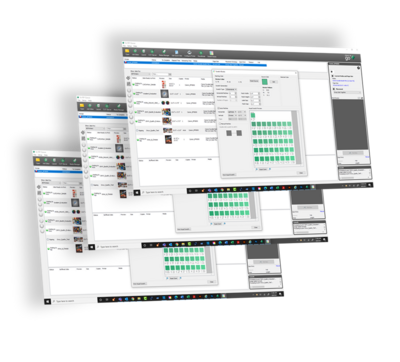
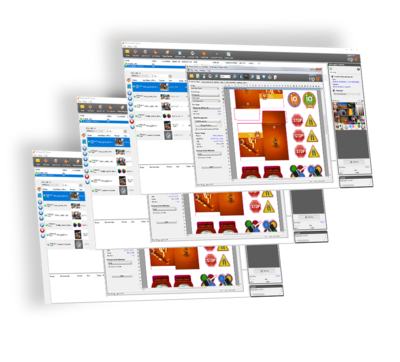
Onyx Training courses cover the full range of RIP software capabilities, including:
- Color management fundamentals and advanced calibration using G7 and G7+ workflows
- Layout Tool configuration for single-sided, double-sided, and jig printing
- Media profile setup and management for optimal output across substrates
- Quick Set automation to standardize workflows and reduce operator errors
- ONYX Sync and integration workflows for multi-device and MIS-connected environments
Training That Pays for Itself
Print shops that invest in Onyx training consistently see faster job setup times, fewer reprint errors, and better color consistency across operators. For shops running multiple shifts or regularly training new staff, the ONYX Learning Zone provides scalable access to training content without per-seat fees per session.
